Device guide
Australian IPTV BuzzTV setup guide
This Australian IPTV BuzzTV guide covers BuzzTV boxes such as the X4 and X5 series. BuzzTV boxes run Android with BuzzTV’s own player preinstalled, which supports Xtream Codes, M3U and portal connections and comes with a program guide built for the box’s remote. Most owners are watching within ten minutes of opening the box, and the steps below work on current BuzzTV software, whichever connection type you choose.
Australian IPTV BuzzTV: what you need before you start
- A BuzzTV box connected to your TV and router
- The BuzzTV remote
- Your Australian IPTV login details, M3U link or portal URL
- The MAC address from the box’s settings if you’re using a portal connection
The BuzzTV player is already installed. You simply add a playlist in one of three formats; we’ll tell you which one to use when we send your details.
How to set up Australian IPTV on BuzzTV
- Open the BuzzTV app from the home screen.
- Go to Settings, then Playlists (on some versions it’s called Add Playlist or Server Settings).
- Choose the connection type we sent: Xtream Codes, M3U or Portal.
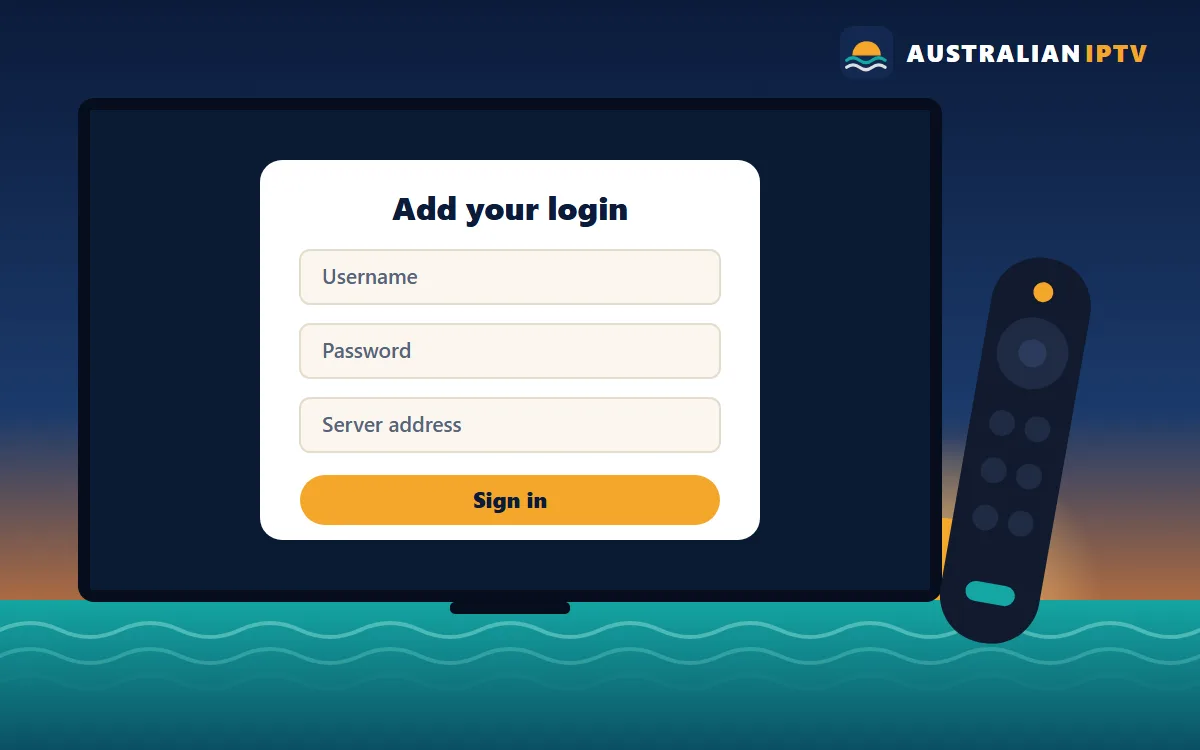
- Enter your username, password and server address, paste the M3U link, or enter the portal URL. For a portal, send us the MAC address shown on screen first.
- Save the playlist and let the app download the channels, guide and on-demand library.
- Set the time zone in the box’s Android settings under Date & time, then refresh the guide in the BuzzTV app.
- Mark favourites with the remote so they appear in your own group at the top of the list.
Already finished? Head to the Australian IPTV tutorial for tips on favourites and the program guide, or message us if a step looks different on your screen.
Australian IPTV BuzzTV tips for smooth playback
- Use Ethernet where you can; BuzzTV boxes perform best on a wired connection during busy evening hours.
- Keep the BuzzTV app and firmware up to date from the box’s update menu.
- Use the built-in parental controls to lock groups you don’t want younger viewers browsing.
- Reboot the box from the power menu once a week to keep it responsive.
Fixing common Australian IPTV BuzzTV problems
Most Australian IPTV BuzzTV problems come down to a typo in the login, an app that needs updating or a weak signal. These are the ones we see most often.
The playlist won’t load.
Check the server address or M3U link for typos and spaces. If you used a portal, confirm with us that the MAC address is registered.
The guide shows the wrong times.
Set your Australian time zone in Android settings, then refresh the guide data in the BuzzTV app.
The box freezes on some channels.
Clear the BuzzTV app cache, restart the box and try the HD version of the channel.
Still stuck? Send a screenshot and your order number on WhatsApp and we’ll look at your line from our side.
Other Australian IPTV device guides
Setting up more than one screen? Each device has its own guide:
Ready to watch on BuzzTV?
Choose a plan for 1, 2, 3 or 5 devices and we’ll send login details in the right format for BuzzTV.