Device guides
Australian IPTV setup: guides for every device
Australian IPTV setup takes a few minutes on most devices: install a player app, enter the login details we send you and wait for the channel list to load. This hub explains what you receive after payment, what to check before you start and which guide to follow for your TV, stick, box, phone or computer. If you get stuck at any step, send us a message on WhatsApp and we’ll walk you through it.
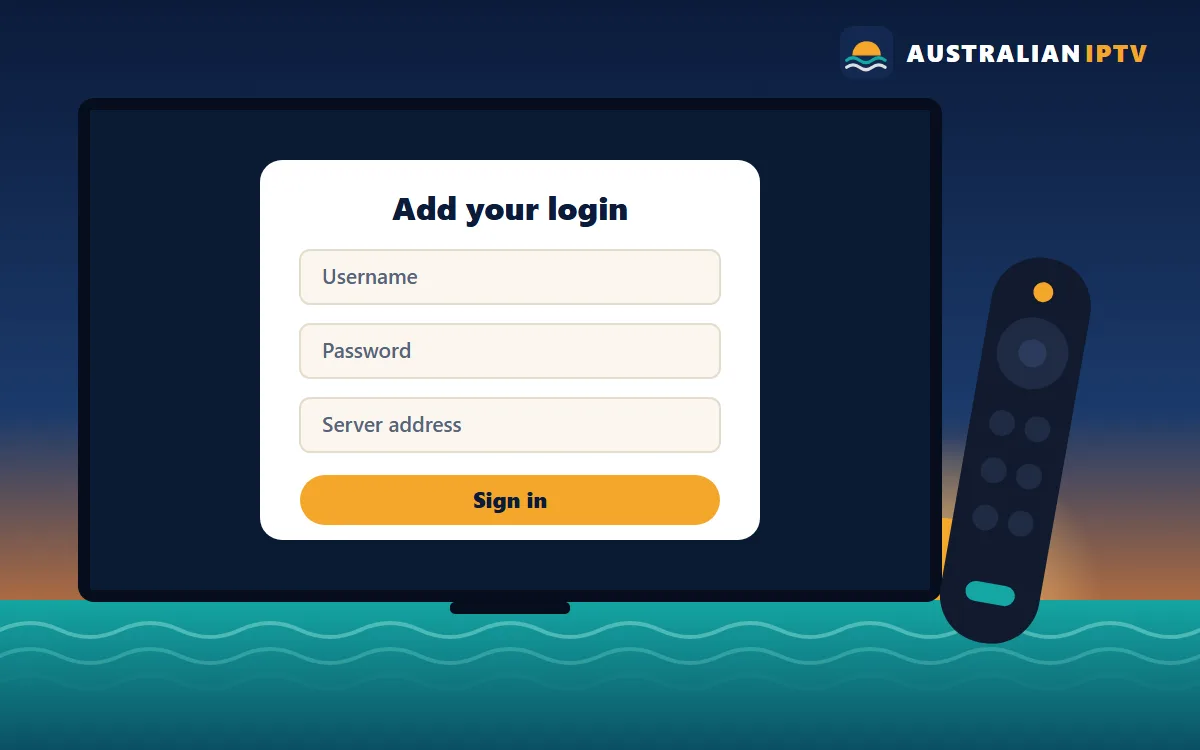
What you receive after payment
Once your payment is confirmed, we send your login details by WhatsApp and email. Depending on your device and app, they come in one of three formats:
- Xtream Codes login: a username, a password and a server address. Most modern player apps use this.
- M3U playlist link: a single web address that contains your channel list. Simple players and computers often use this.
- Portal address: used by MAG boxes and some Formuler and BuzzTV setups, linked to your device’s MAC address.
Tell us which device you’re setting up and we’ll send the right format, so you don’t have to work it out yourself. Keep the message somewhere safe: you’ll use the same details if you add a second TV, replace a streaming stick or reinstall the app later, and they’re the first thing our team will ask for if you need help.
Before you start
- Your device is connected to the internet, ideally by cable or strong Wi-Fi.
- Its software is up to date.
- You’re signed in to its app store (Google, Amazon, Apple, Samsung or LG account).
- You have your login details open on your phone so you can copy them carefully.
- You’ve allowed about ten minutes for the first setup.
Choose your device
Each guide covers the exact menus, the best settings and the common problems for that device.
Australian IPTV setup steps for any app
Every device has its own menus, but the pattern is always the same:
- Install the player app recommended in your device guide.
- Open it and choose to add a playlist, account or portal.
- Enter your login details exactly as sent; server addresses are case-sensitive.
- Wait for the channels, program guide and on-demand library to load.
- Set the program guide to your time zone and mark your favourite channels.
For the whole journey from choosing a plan to your first channel, follow the Australian IPTV tutorial.
If something doesn’t work
Most Australian IPTV setup problems come down to a typo in the login details, an app that needs updating or a weak Wi-Fi signal. Re-enter the details slowly, restart the device and try a channel’s HD version instead of 4K. If channels still won’t play, send us a screenshot of the error on WhatsApp with your order number and we’ll check your line from our side. You’ll find more answers in the Australian IPTV FAQ.
Haven’t chosen a plan yet?
Pick 1, 2, 3 or 5 devices and we’ll send login details in the right format for your setup.